The problem
I wanted to read Japanese without stopping to think. Most flashcard apps only count right and wrong; I wanted to train speed: recognizing a character in under a second, and a beginner word in under three.
What I built
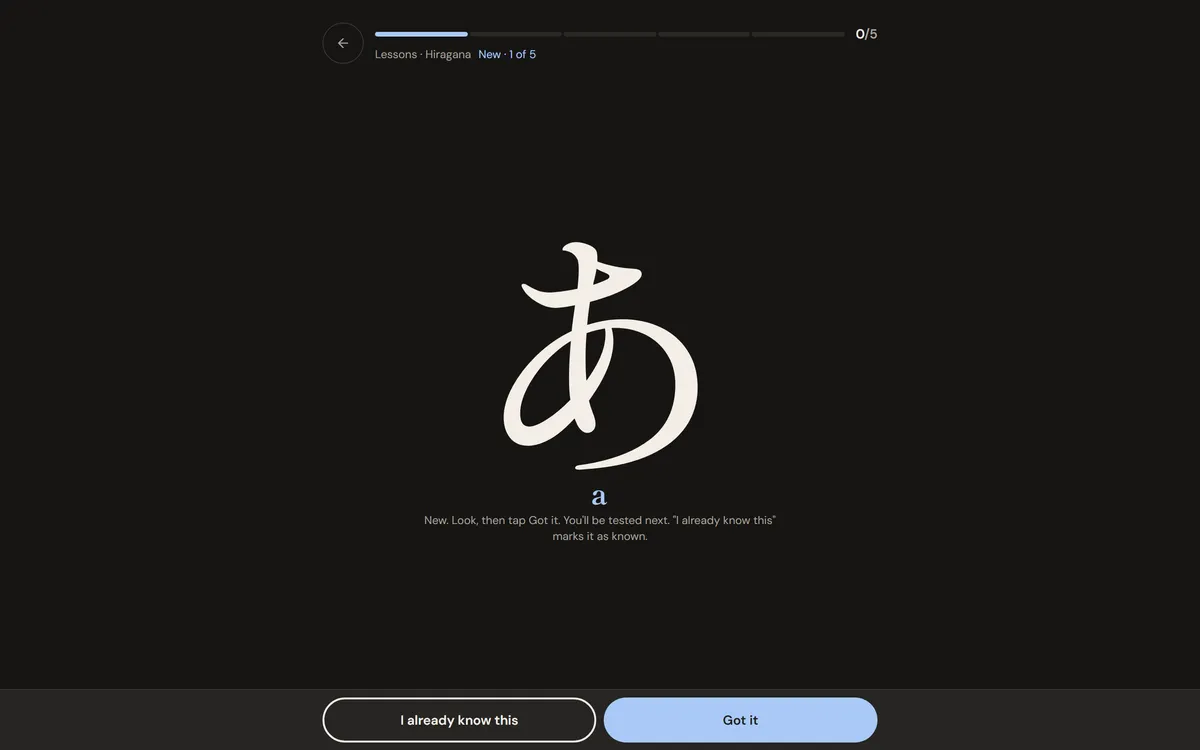
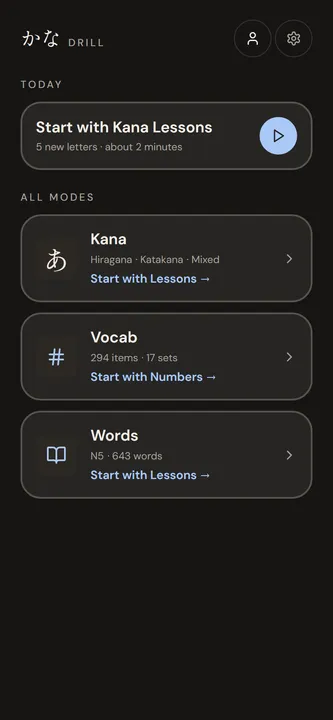
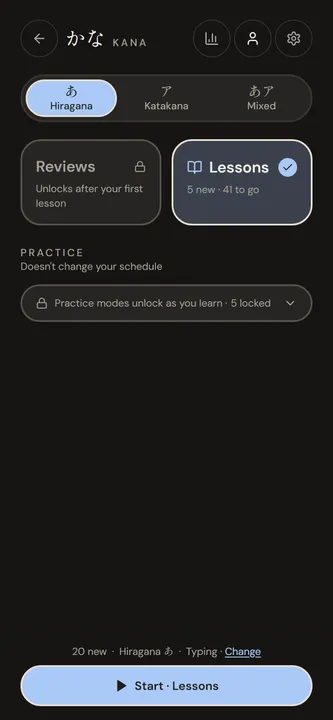
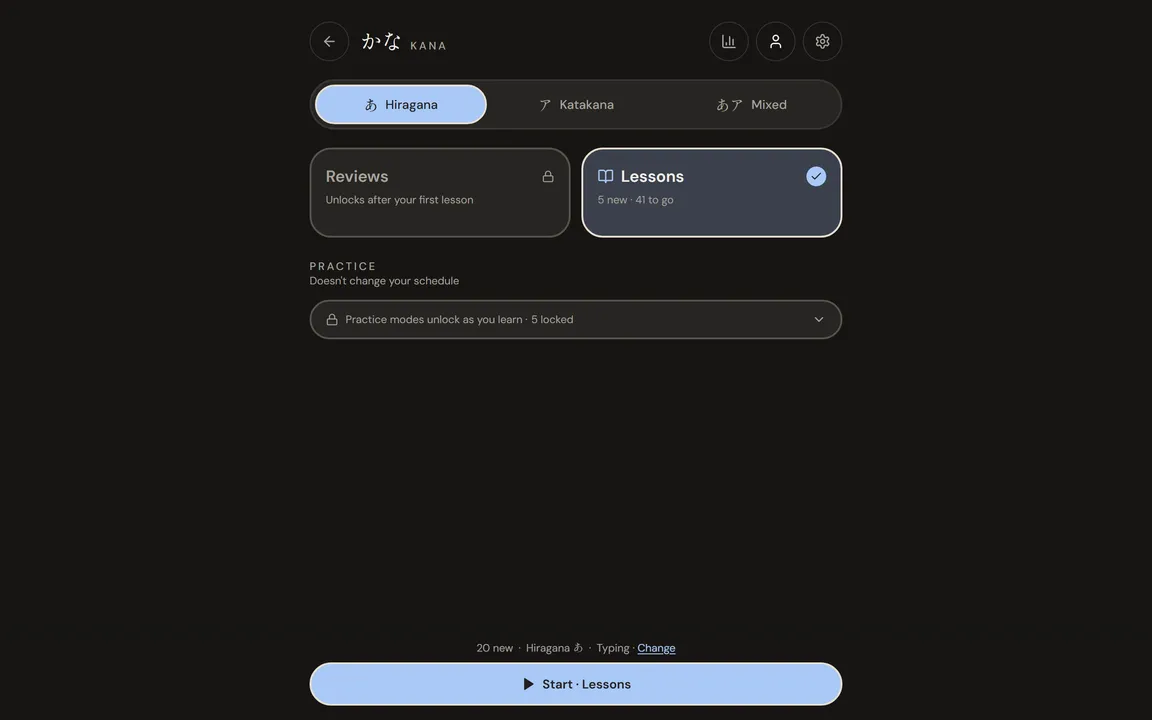
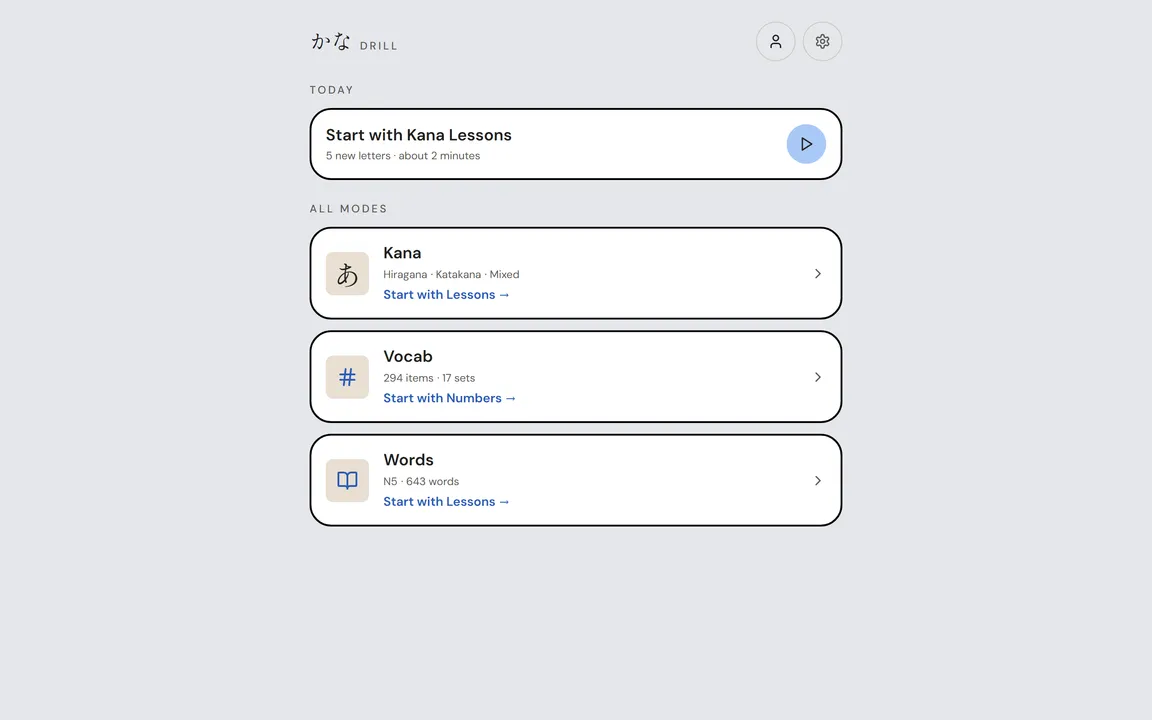
- Three ways to practise: Kana (all of hiragana and katakana in 11 small levels, including the sounds used in loanwords), Vocab (294 everyday words in 17 topics like numbers, dates and family) and Words (2,920 JLPT N5, N4 and N3 words, in either direction).
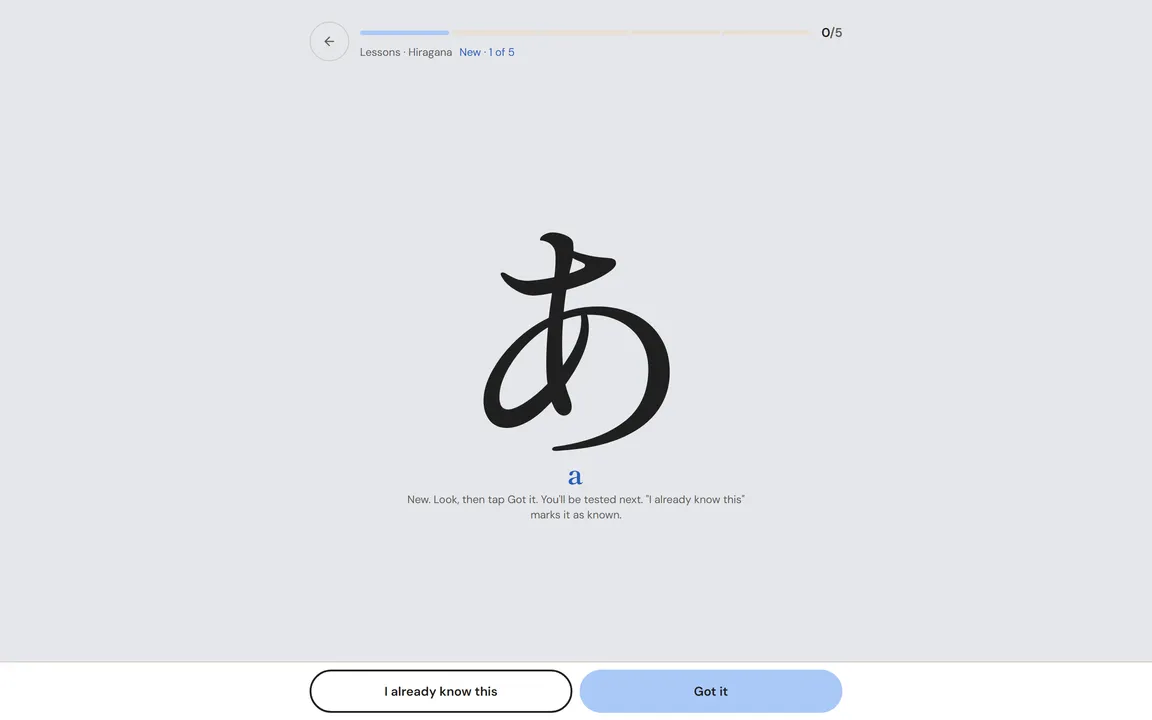
- Spaced repetition you can see: every character and word grows from Seed to Evergreen, and comes back just before you’d forget it.
- Fair timing: the app takes typing time out of every answer, so it measures reading, not typing, and judges long answers fairly.
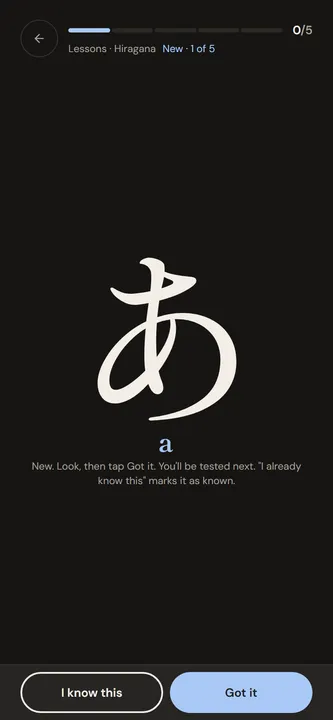
- Type or tap: answer by typing the romaji or by tapping one of four choices, in every mode.
- Built to keep you going: a one-minute welcome tour, a summary after every session with what to do next, and share cards that look good at every stage.
- Private by design: no account and no tracking; progress stays on the device, with backups to a file.
How AI helped
I wrote the project’s rules down first (vision, architecture, design system and decision records). Then I ran it in review rounds with Claude Code: AI reviewers walked every screen and proposed changes as before/after mockups, I approved what I liked, and parallel agents built each change against those rules, the type checker and the project’s check scripts.
The result
A finished, free app with one clear goal: read any kana in under a second, and beginner-to-intermediate words in under three.